
A desktop a mind can use. You still hold the keys.
Yantrik OS is a Linux desktop where every app says what it holds and what it can be asked to do, so an AI agent works through the same doors you do, and the step that would leave the machine waits for you.
Stand-in timeline until the recording lands

Yantrik Mind is working on the task. When it asks, the card will wait for your answer.
Not a recording: a hand-written stand-in for the session to be recorded on yantrik-live-001 (VM 561) · Yantrik Mind on deepseek-v4.1-flash on Ollama Cloud · Ask mode · idle time shortened to 1.5 s
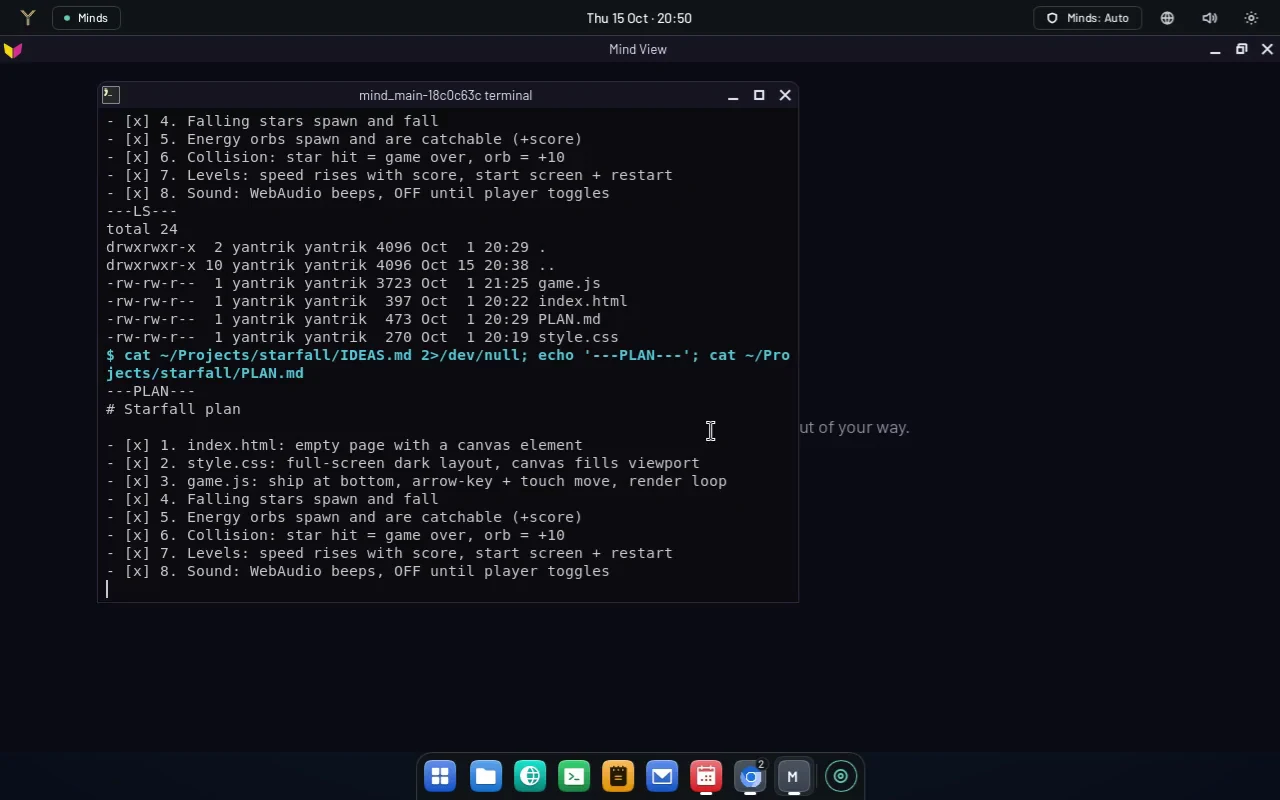
One of these machines works in public. You can watch it.
The page at /live shows the screen of a Yantrik OS machine that works on its own, with a mind attached. You watch; nothing you do there reaches it.
- The page is view-only: it plays the live machine's screen at three frames a second and sends nothing back.What the mind is doing, its model and its uptime are not published by the machine yet.
- The live machine streams its 1280×800 screen at three frames a second, with no audio.Size and rate read off the stream with ffprobe on 16 Oct 2026.
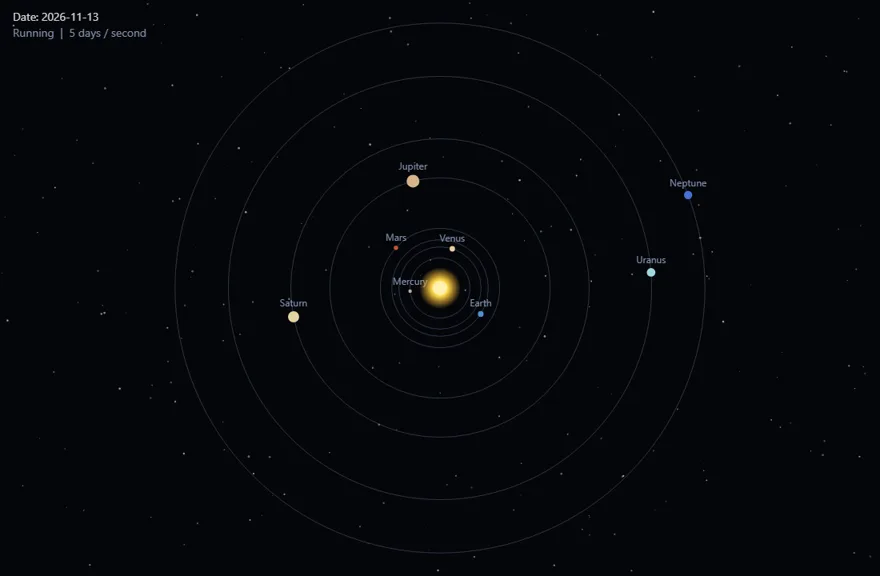
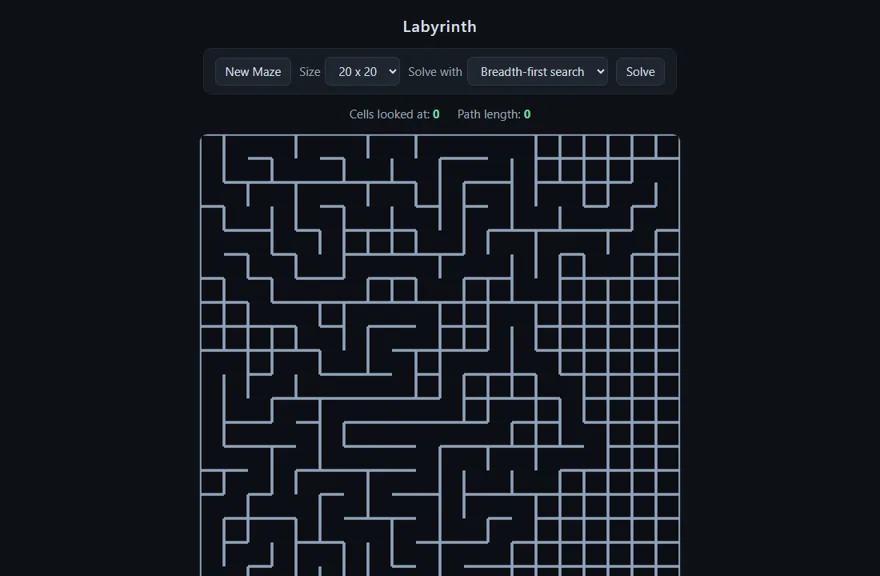
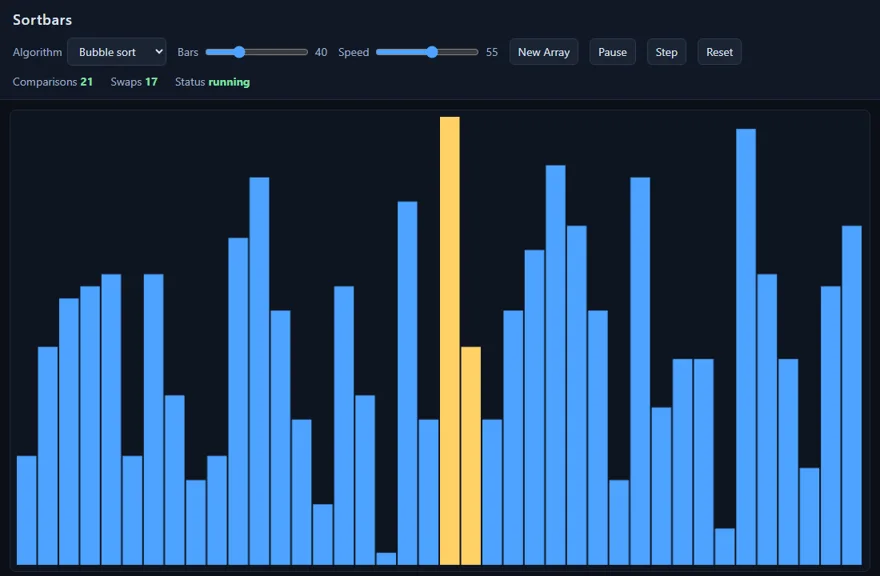
What it made on stream, played as it left it.
Given a brief and nothing else, the Mind on the live machine plans a small program, builds it in a terminal of its own and checks the page loads. Each one is copied here byte for byte and plays in your browser, with what we found when we played it, bugs included.
Take it: one live ISO, booted under QEMU before it was published.
You boot the image and try the desktop before anything touches a disk. The page behind this one has every command, each with the file it comes from, and says which hardware has been measured and which has not.
- Yantrik OS ships as a Debian 13 (trixie) live ISO for x86-64. There is no ARM build and no 32-bit build.from docs/hardware-requirements.md
- Every published image is boot-tested in QEMU.Real hardware and UEFI are untested.from docs/hardware-requirements.md
- The image ships no language model and no mind. You point it at one in first-run setup.from docs/getting-started.md · docs/hardware-requirements.md
- file
- yantrik-os-v0.1.0-1806-g75497c70.iso
- version
- v0.1.0-1806
- built
- 2026-10-19
- size
- 1.77 GiB (1902624768 bytes)
- commit
- 75497c70
- sha256
- 068dbb30e3f46f9e95cdc226a3ded5e3fb1fdba582ad342e5c270c5aa64aa6f3
- channel
- nightly — the only one with builds
Any mind can answer. The OS has nowhere to put your key.
A mind is a program that dials in to the desktop and asks for work. The desktop never connects out to it, so it never needs your endpoint, your model name or your key.
- YYantrik Mind
- HHermes
- PPi
- DDeepSeek
- OOpenClaw
- Five minds attach over one socket today: Yantrik Mind, Hermes, Pi, DeepSeek and OpenClaw.None starts until it is configured.from docs/harness.md · harnesses
- The harness protocol is seven methods, with no field for an endpoint, a model or a key.from docs/harness.md
- The status bar names the mind that is answering, and whether it is local or cloud.from docs/getting-started.md · crates/yantrik-ui-slint/ui/components/status_bar.slint
harness.attach   {id, name, detail?, tools?, memory?, conversations?}  → {session}
harness.poll     {session}              → {turn_id, text, context, conversation, agent_token, origin?} | {}
                                          … either may also carry cancelled: [turn_id], ended: [conversation],
                                            answers: [{turn_id, request_id, answer}]
harness.chunk    {session, turn_id, delta}             → {}
harness.event    {session, turn_id, event}             → {}      (optional — see below)
harness.complete {session, turn_id}                    → {}
harness.fail     {session, turn_id, error}             → {}
harness.detach {session} → {}The app grades every action. Your mode decides what runs without asking.
- The grade belongs to the action and is set in the app’s own code: in Notes, opening a note is standard and exporting one to a file is sensitive.from apps/notes/src/main.rs · docs/app-control.md
- In ask, the default, a sensitive or dangerous action puts a card in front of you. Auto asks only about dangerous ones. Plan refuses every change.from design/mind-modes-2026-09-21.md · docs/getting-started.md
- Every action is graded safe, standard, sensitive or dangerous. The machine has a ceiling nothing passes, in any mode.from design/mind-modes-2026-09-21.md
| mode | safe | standard | sensitive | dangerous |
|---|---|---|---|---|
| run | refuse | refuse | refuse | |
| the default | run | run | ask | ask |
| run | run | run (logged) | ask | |
| run | run | run (logged) | run (logged) | |
| run | run | run (logged) | run (logged) |
// Sensitive: it writes a file outside the notes directory, at a path the caller chooses.
// It cannot overwrite — the store publishes the new file with a hard link, which fails if
// something is already there — so it is not `dangerous`.
act(
    "export",
    "Write the open note's text to a file outside the library, at this path. It refuses \
     rather than overwrite anything already there, and the note stays open.",
)
.risk("sensitive")Sixteen apps, and each one tells a mind what it may do to it.
- Sixteen apps ship. ySheets and Music are shelved, and the shell says why.from README.md · design/shelved-2026-09-20.md
- Eighteen app surfaces and five service surfaces publish what they hold and what they can be asked to do.Regenerated from the code on every build.from docs/app-control.md
- Notes
- Calendar
- Weather
- Terminal
- Editor
- yDoc
- yPresent
- Images
- Downloads
- Snippets
- Containers
- Network
- System Monitor
- Arcade
- Studio
Calendar — September 2026, nothing on day 21
revision: 53a8404174f4a115
{
  "days_with_events": [{"day": 25, "events": 1}],
  "events_on_selected_day": [],
  "events_this_month": 1,
  "month": "September 2026",
  "month_number": 9,
  "notice": "",
  "selected_day": 21,
  "view": "month",
  "year": 2026
}
  act: select_day(day)  [standard, settles on return]
       Show what is on one day of the month shown
         day: number — Day of the month, 1-31
  act: show_month(direction)  [standard, settles on return]
       Move to the next or previous month
         direction: string — next | previous
  act: go_to_today()  [standard, settles on return]
       Jump back to the current month and day
  act: add_event(date, time, title, all_day?, duration_min?, notes?)  [standard, settles on return]
       Put something on the calendar
         date: string — YYYY-MM-DD
         time: string — HH:MM, 24-hour
         title: string
         all_day?: boolean — A whole day rather than a time; `time` and `duration_min` are not used with it
         duration_min?: number — How long it runs, in minutes; an hour when not given
         notes?: string
  act: delete_event(date?, id?, title?)  [sensitive, settles on return]
       Take an event off the calendar. It is not recoverable
         date?: string — YYYY-MM-DD, given with `title`
         id?: string — The id the store gave the event — `add_event` answers with it and `describe` lists it for every event it shows
         title?: string — The event's exact title, given with `date`, when the id is not known
… 2 more actions, cut here for this pageThe manual is the repository’s own docs folder, in the order you need it.
The documentation is not rewritten for the website. It is the docs/ folder of the OS repository, the same files a contributor reads, grouped here by what you are trying to do: start, drive the desktop, build a surface for your own program, attach a mind, or look something up.
Until the Docs page renders them, each line opens the file on GitHub at the commit this site was checked against.